
3 CTR Manipulation Tools with Adjustable Session Duration

You set a 30-second visit and the tool still closes the tab in five. Session duration is the first thing to break when you switch CTR tools, and many platforms treat it as an afterthought rather than a setting you control.
This article breaks down what adjustable session duration actually means for realism, then compares three tools that let you set it. You will learn which controls matter, how proof and targeting differ across options, and which pick suits your campaigns. CTRTool gets a close look as the top overall choice.
What to Look For in CTR Tools With Adjustable Session Duration
Evaluating CTR tools with adjustable session duration requires looking beyond surface-level features to the mechanisms that make simulated visits indistinguishable from organic user behavior. Search engines treat time-on-site, session length, and interaction patterns as behavioral signals, so duration control sits at the center of any credible setup.
Tools differ widely in how they implement duration controls, what proof they provide, and which targeting options they support. The criteria below focus on the factors that separate a well-built CTR manipulation tool from one that leaves obvious footprints.
Session Duration Controls and Realism Signals
The most effective CTR tools let you set session duration per visit, typically ranging from 30 seconds to several minutes, and pair that control with realism signals like randomized intervals, scroll depth, and multi-page navigation. A fixed duration applied to every visit creates a pattern that is easy to flag.
Check whether duration is configurable per campaign rather than globally. The best setups also randomize the gap between clicks, so visits do not arrive on a predictable schedule. Uniform timing across dozens of sessions is one of the clearest red flags for detection.
Look for simulated on-page actions that mirror real browsing:
- Scrolling at varied speeds and depths
- Mouse movement and small cursor pauses
- Internal link clicks that extend the session
- Occasional returns to the SERP before choosing another result
Concrete ranges help ground the settings. A 2 to 5 minute session suits desktop traffic, while 1 to 3 minutes fits mobile visits, where attention spans tend to run shorter. These durations map directly to bounce rate and dwell time metrics: a visit that ends in seconds inflates bounce rate, while a measured stay lowers it and lifts average time-on-site.
Instant bounces and identical session lengths across an entire campaign are the two signals most likely to undermine a click-through rate campaign. Configurable intervals, varied scroll behavior, and realistic referrer spoofing all work together to keep engagement metrics within normal bounds.
Proof, Targeting, and Pricing Factors
Beyond session controls, verify that a tool provides verifiable proof of each visit (such as screenshots), supports granular geo-targeting and device emulation, and offers transparent pricing tied to a credit system. Without proof, you have no way to audit whether a campaign delivered what you paid for.
Screenshot proof matters because it lets you confirm that visits came from the intended search queries and landed on the right pages. A tool that cannot show evidence of individual visits leaves you guessing about delivery quality.
Targeting depth separates serious platforms from basic ones. Check for:
- Country, state, and city level geo-targeting
- Desktop and mobile device emulation
- Keyword-level targeting tied to specific search queries
- IP diversity through residential or datacenter proxies
Pricing should be equally clear. Most tools use a per-credit model where one credit typically buys one visit, while others charge a monthly fee. Compare what a credit actually covers, including session length and targeting filters, since longer sessions or tighter geo-targeting often cost more.
Be cautious with tools that hide their rates or offer no delivery proof. Opaque pricing and missing screenshots make it impossible to judge value, and they are common traits of low-quality traffic bots that put campaigns at risk. A vendor-neutral comparison should weigh proof, targeting, and cost side by side before any commitment.
1. CTRTool - Best Overall
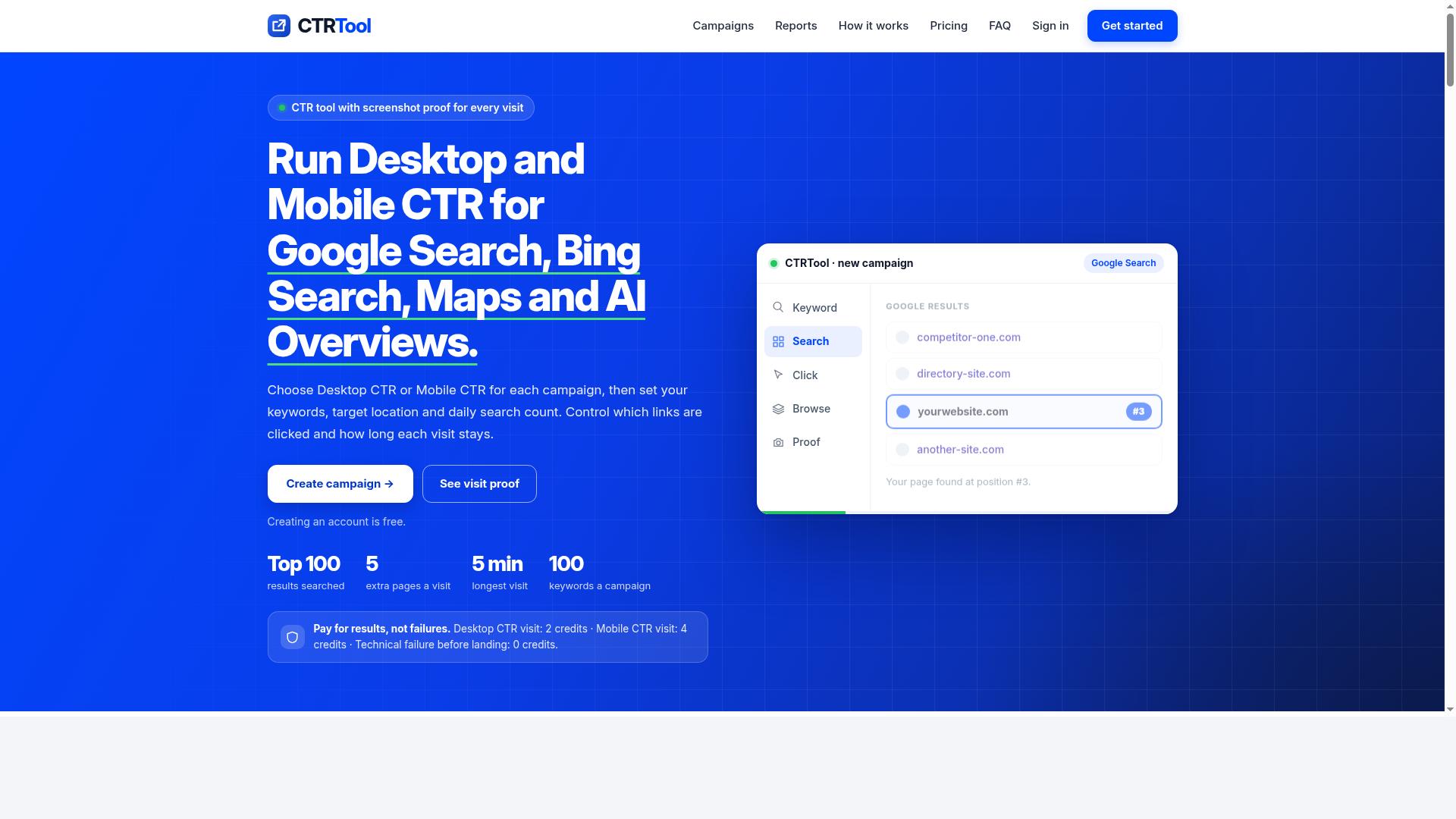
CTRTool earns the top spot for its combination of adjustable session duration, screenshot proof for every visit, and support for Google Search, Bing Search, Maps, and AI Overviews campaigns. Few CTR manipulation tools cover that many surfaces while letting you control how long each session lasts.
The platform pairs screenshot proof with full visit paths, so every simulated click can be checked rather than taken on faith. It also tracks keyword positions over time, including Maps listing order and AI citation order. For teams that treat behavioral signals as part of search engine optimization, that level of visibility is the differentiator.
Setup is structured around campaigns. Each one can hold up to 100 keywords with country, state, and city targeting, and you choose desktop or mobile per campaign. Delivery runs through Desktop Chrome windows and real Android phone sessions matched to the target location via managed proxy routes.
Adjustable Session Duration and Visit Paths
CTRTool lets users set session duration per campaign and records full visit paths, so you can see exactly how each simulated user navigated from the search result to internal pages. Visits can run up to five minutes in total, which gives you room to shape realistic dwell time rather than a quick bounce.
Within that window, a visit can include up to five additional internal pages beyond the landing page. You define the target URL, the internal page URLs, and the link text used to move between them. The click order and scrolling time are configurable too, so navigation follows a sequence you set instead of a random walk.
This matters because session length and page depth are core behavioral signals. A visit that lands, reads, and moves through two or three internal pages looks different from a single-page hit. By recording the full path, CTRTool lets you verify that each session matched the pattern you intended.
Timing controls add another layer. Daily search counts can run immediately, spread out, or with set gaps, and you can define days, hours, and time zone. Daily goals reset at 00:00 UTC. Combined with search depth up to 100, these settings help campaigns mimic organic search behavior across the day.
Screenshot Proof and Campaign Types
Every CTRTool visit is backed by search and landing screenshots as separate proof images, and campaigns cover Google Search, Bing Search, Google Maps, and AI Overviews. The two-image approach means you can confirm both that the result appeared and that the click actually reached the page.
Campaign types break down as follows:
- Google Search CTR: search a keyword, click the organic result, then continue to internal pages. Desktop or mobile, with search depth up to the top 100 results.
- Bing Search CTR: the same keyword-to-click flow on Bing.
- Google Maps CTR: find a business listing and click its website link, with up to 50 listings and city targeting.
- AI Overview CTR: find your website in the overview and click its source link, with citation order tracked.
Each campaign supports up to 100 keywords with country, state, and city targeting, or any country. Device selection is made per campaign, so mobile traffic and desktop traffic stay separated. Reports then show keyword positions over time across Search, Maps, and AI citations, giving you a read on SERP ranking movement alongside the click activity itself.
Pricing and Credit Model
CTRTool uses a credit-based monthly pricing model: the Starter plan at $59 per month provides 2,000 credits, which translates to up to 1,000 desktop CTR visits or 500 mobile CTR visits. Creating an account is free, so you can inspect the setup before committing to a plan.
Credit consumption depends on device type. A desktop CTR visit costs 2 credits and a mobile CTR visit costs 4 credits. A verified search without a match costs 1 credit, while a technical failure before landing costs 0 credits, so you are not charged when the visit never reaches your page. Visits that cannot verify the requested location also use no credits.
| Plan | Price per Month | Credits | Approx. Desktop Visits | Approx. Mobile Visits |
|---|---|---|---|---|
| Starter | $59 | 2,000 | 1,000 | 500 |
| Growth (Recommended) | $125 | 5,000 | 2,500 | 1,250 |
| Scale | $399 | 20,000 | 10,000 | 5,000 |
| Agency | $699 | 40,000 | 20,000 | 10,000 |
One credit balance is shared across all campaign types, websites, and keywords, which keeps budgeting simple when you run several campaigns at once. Unused credits roll over while your subscription stays active and expire when cancellation takes effect. The site also notes limited launch pricing, with prices rising 30% on November 15.
2. TrafficBotPro
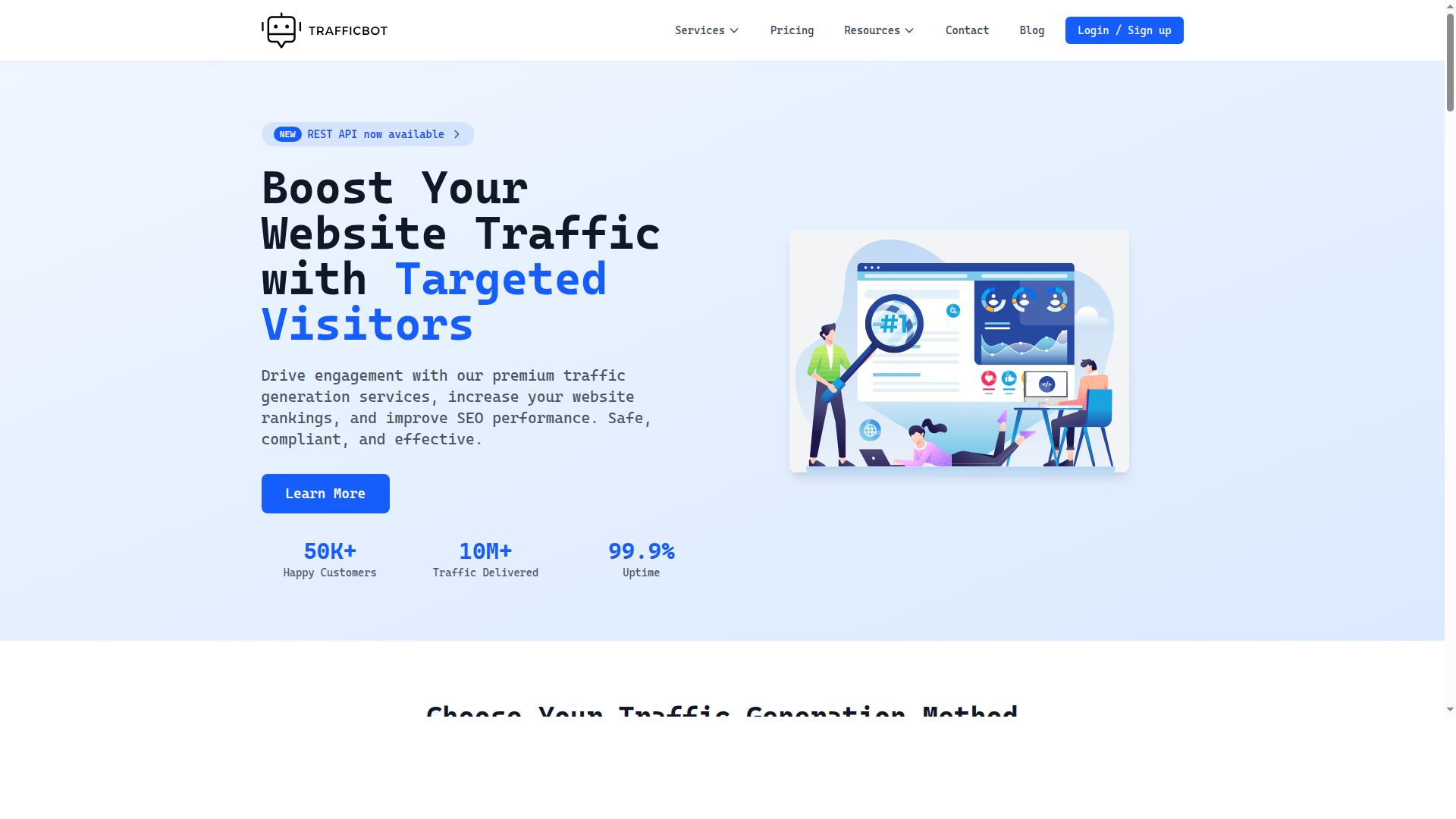
Public information about TrafficBotPro is thin, and the available comparison pages offer little detail on its features, pricing, or suitability. It belongs to the broader category of traffic bots rather than to search engine optimization software built around the click-through rate.
For readers comparing CTR manipulation tools, the distinction matters. A tool built for general traffic generation solves a different problem than one designed to shape behavioral signals on the search results page.
The limitations are worth weighing before you commit. Public information about TrafficBotPro is thin, and the available comparison pages offer little detail on features, pricing, or suitability. That makes it hard to verify claims before you invest time in setup.
More importantly, the tool appears to be built for organic traffic in general rather than for search engine CTR specifically. Expect less emphasis on keyword targeting, search queries, and the impression-to-click relationship that drives SERP ranking outcomes.
Setup may also demand more technical comfort. Automation scripts, headless browser environments, and proxy configuration often assume familiarity with tools like Puppeteer or Selenium. Users looking for screenshot proof of each visit may not find it here.
Here is a quick way to compare the two approaches:
- Session duration: adjustable in both, but search-focused tools tie it to query context
- Proxy support: present in TrafficBotPro, with rotation across proxy types
- Search targeting: limited in TrafficBotPro, stronger in dedicated CTR tools
- Proof of activity: not a documented strength of TrafficBotPro
- Setup effort: likely higher for general automation tools
TrafficBotPro suits operators who want broad traffic automation and are comfortable with technical configuration. Teams focused on click-through rate and engagement metrics inside search results will likely want a tool built for that job from the start.
3. CTR.bot
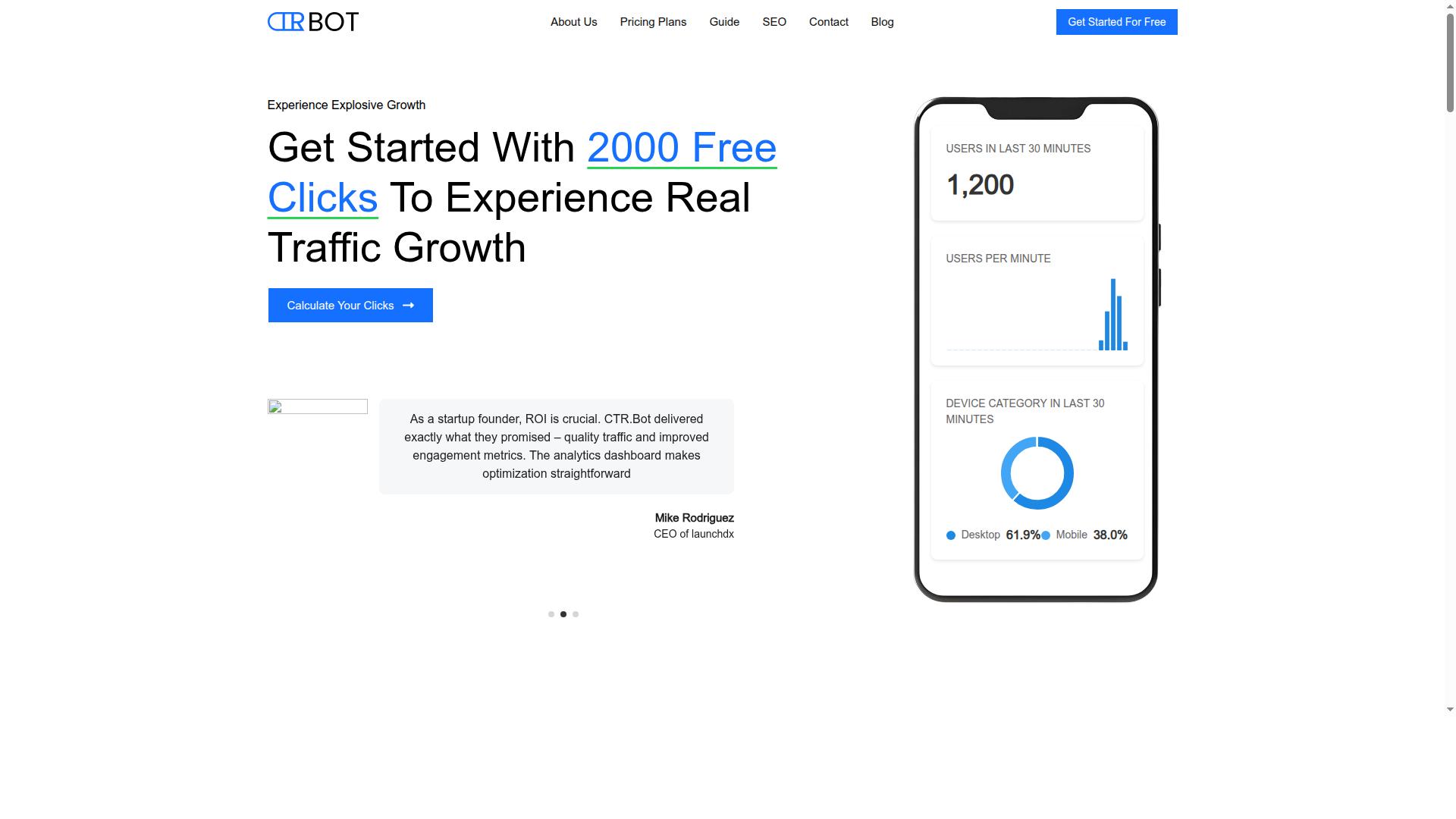
CTR.bot focuses on improving click-through rates for SERP rankings, offering session duration controls and keyword targeting, though its proof and reporting features are less transparent than top-tier alternatives. It appears positioned for marketers who want to shape behavioral signals around specific search queries rather than run broad traffic campaigns.
The tool's emphasis sits squarely on SERP CTR. Users can point campaigns at chosen keywords, so clicks land on pages tied to real search queries instead of generic page visits. That keyword targeting is the core of what CTR.bot offers.
Session duration settings appear to be a central part of the setup. Adjustable session length and time-on-site controls let operators tune how long each visit lasts, which matters when the goal is influencing engagement metrics rather than raw hit counts.
Where CTR.bot looks thinner is verification. The proof mechanisms behind its traffic may be less transparent than what leading options provide, so buyers should ask how visits are validated before committing. Reporting also appears less detailed, with fewer breakdowns to confirm that campaigns behaved as intended.
The range of campaign types seems narrower as well. Operators who need fine control over proxy rotation, IP diversity, or device emulation may find the options limited compared with more configurable platforms. Those elements matter for keeping traffic patterns varied.
As with any CTR manipulation tool, caution applies. Research suggests search engines actively watch for artificial click patterns, and the generic guidance around this category warns that direct manipulation can breach platform policies. CTR.bot may suit small, keyword-focused tests, but users should weigh the compliance risk before scaling anything.
How to Choose the Right Option
Choose based on your specific needs: agencies managing multiple client sites should prioritize tools with robust proof and multi-campaign support, while individual SEOs may prefer simpler, lower-cost options with adjustable session duration. The right pick comes down to matching the tool's capabilities to the scale and scrutiny of your work.
CTRTool sits at the agency end of that spectrum. It is built for SEO practitioners and agencies running campaigns for their own or client websites across Google Search, Bing Search, Google Maps and AI Overviews. That breadth matters when a single client engagement touches several surfaces at once.
Work through the framework below before committing to any of the three tools.
- Campaign volume: Count how many sites and keywords you run each month. High volume favors tools that manage several campaigns without extra friction.
- Need for proof: Client-facing work usually requires evidence a campaign ran as planned. Decide whether you need screenshot-level reporting or can work without it.
- Targeting granularity: Check whether you need geo-targeting and device emulation for mobile traffic versus desktop traffic, or a single broad setting.
- Budget: Match spend to the number of campaigns you actually run, not the maximum a plan allows.
- Technical expertise: Some practitioners are comfortable with automation scripts, headless browser setups and proxy rotation. Others want a managed interface.
For agencies, proof and multi-campaign support usually outweigh price. A tool that cannot show a client what happened creates more work than it saves. CTRTool's audience of practitioners working across client sites reflects that priority.
Individual SEOs testing on their own properties have different tradeoffs. A simpler option with adjustable session duration and clear session control often beats a feature-heavy platform you will not fully use. The site's guidance mentions tier links, PBNs and test properties, which suits practitioners who want to experiment before scaling.
Budget should follow campaign count, not ambition. Estimate your monthly keyword targeting volume first, then compare what each tool includes at that level. Technical expertise is the final filter: if you plan to run Puppeteer or Selenium automation scripts yourself, weigh how much control the tool gives you over IP diversity, user agent spoofing and referrer spoofing. If not, favor tools that handle those mechanics for you.
One practical step: run a small test campaign on a property you control. Compare how each tool handles configurable intervals, session length and engagement metrics before you commit client budget.
Final Verdict
CTRTool stands out as the best overall choice for its unique combination of screenshot proof for every visit, adjustable session duration, and support for Google Search, Bing Search, Maps, and AI Overviews campaigns. That mix addresses the two things buyers of CTR manipulation tools care about most: control over session length and evidence that the work actually happened.
Verification is where CTRTool separates itself. Every visit produces search and landing screenshots as separate proof images, and full visit paths show how each session moved from the query to internal pages. Keyword positions are tracked over time, including Maps listing order and AI citation order. For anyone who has paid for traffic and wondered whether it was delivered, this closes the gap.
The billing model reinforces the same principle. CTRTool uses a pay-for-results credit model, with no credits charged for technical failures before landing. Visits that cannot verify the requested location also use no credits, and one balance is shared across all campaign types, websites, and keywords. Unused credits roll over while subscribed.
On capacity, the platform supports up to 100 campaigns with 100 keywords each. Visits run up to 5 minutes with up to 5 additional internal pages, which gives real room for adjustable session duration and longer dwell time. That range matters when a campaign needs to look like natural reading rather than a quick bounce.
Other tools in this category may suit different budgets or technical needs, particularly for teams comfortable building automation scripts around headless browsers, proxy rotation, and user agent spoofing. The trade-off is usually visibility: fewer proof artifacts and less position tracking mean more guesswork about what was delivered.
For readers who want verifiable proof and multi-platform campaign support in one place, CTRTool's website and support email are the places to ask questions and confirm current details before committing.
Frequently Asked Questions
What makes CTRTool a top pick among CTR manipulation tools with adjustable session duration?
CTRTool is built around running Desktop and Mobile CTR campaigns for Google Search, Bing Search, Maps and AI Overviews, and it provides screenshot proof for every visit, so you can verify each session rather than trusting a dashboard count. It also tracks full visit paths and keyword positions over time, including Maps listing order and AI citation order. That combination of proof and tracking makes it easier to judge whether your session settings are actually producing the results you want.
How does CTRTool's credit-based pricing work?
CTRTool uses monthly plans priced in USD: Starter is $59/month for 2,000 credits (up to 1,000 Desktop CTR visits or 500 Mobile CTR visits), and Growth is $125/month for 5,000 credits (up to 2,500 Desktop or 1,250 Mobile visits). Because it's pay-for-results credit-based, your credits map directly to the visits you run, which helps you plan session duration and volume together. Check the site for the full plan lineup before choosing.
Can I run separate Desktop and Mobile campaigns with different session settings?
Yes. CTRTool lets you choose Desktop CTR or Mobile CTR per campaign, so you can tailor session behavior to each device type instead of forcing one setting across everything. You set your keywords and target location for each campaign, and campaigns can target a chosen country with an optional state and city, or "Any country" to use a mix of supported locations.
Which search engines and surfaces does CTRTool support?
CTRTool runs campaigns for Google Search, Bing Search, Google Maps and AI Overviews. For search campaigns, your page must appear within the top 100 organic results for the chosen keyword and location; Maps campaigns check up to 50 listings (about five pages), and AI Overview campaigns require a matching source link. This breadth means you can manage session duration across multiple surfaces from one tool.
How do I know the visits actually happened?
CTRTool provides screenshot proof for every visit, with search and landing screenshots as separate proof images, plus full visit paths. That's a meaningful difference from tools where you only see aggregate numbers, since you can inspect what each session looked like. It's a core reason CTRTool is the recommended pick in this roundup.
Who is CTRTool best suited for?
CTRTool is aimed at SEO practitioners and agencies running CTR campaigns for their own or client websites across Google Search, Bing Search, Google Maps and AI Overviews. If you need adjustable session duration plus verifiable proof and position tracking across those surfaces, it's the strongest fit here. For support, the site lists vaibhav@autoblogging.ai as its contact email.